LookML Add View From Table
This is a Looker extension that allows you to quickly add a view to a model from a table. This is particularly useful when
- your schema has a large number of tables
- you want to search across projects, databases or schemas
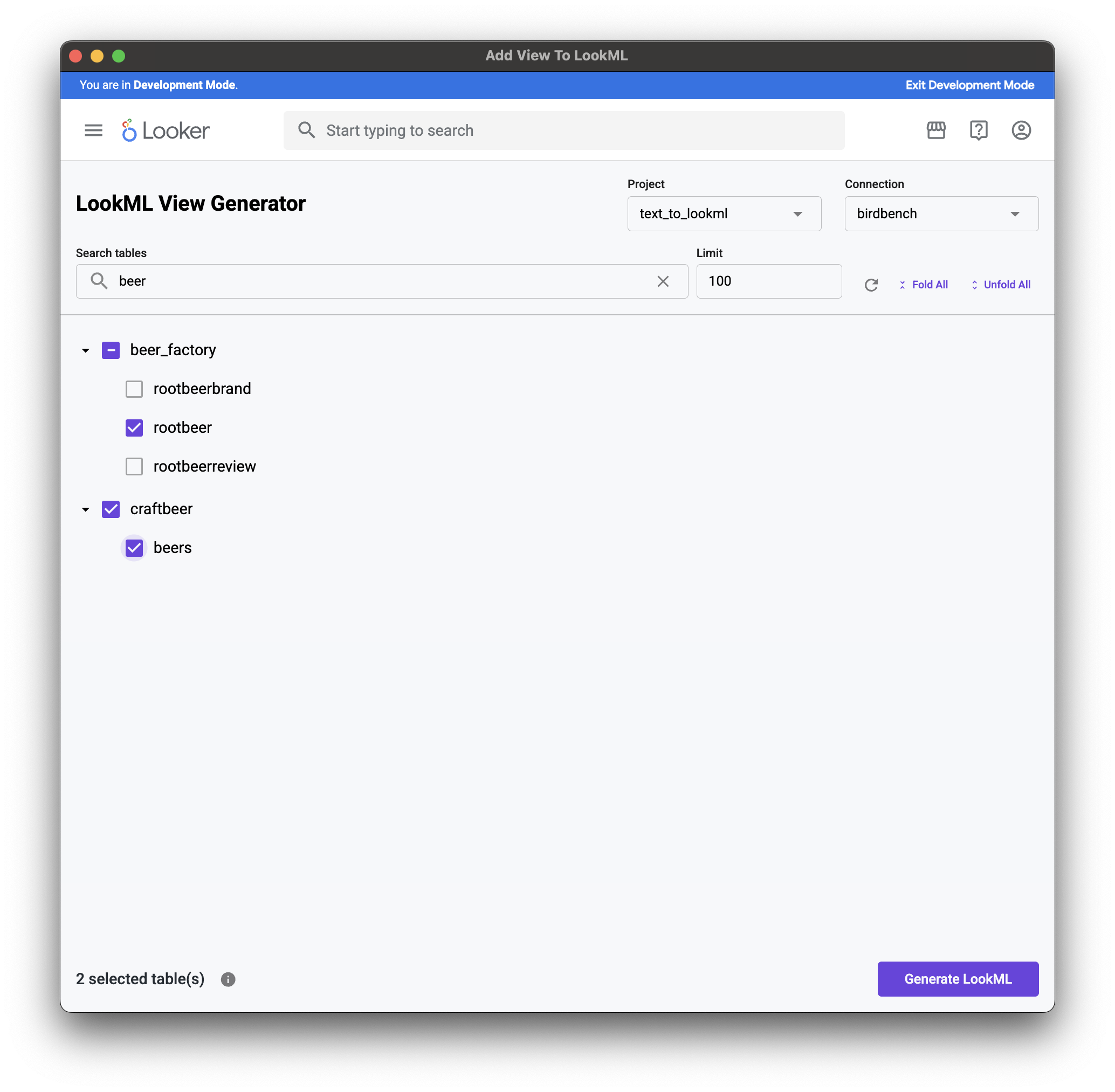
To use this extension:
- Requires the end user to be in development mode
- The user must be a developer on the project they are adding to
Install by adding this to your manifest.lkml in a Looker project:
application: add_view_to_lookml {
  label: "Add View To LookML"
  url: "https://cdn.lkr.dev/apps/add-view-to-lookml/latest/bundle.js"
  entitlements: {
    core_api_methods: [
      "me",
      "all_connections",
      "all_projects",
      "connection_databases",
      "connection_schemas",
      "connection_tables",
      "connection_databases",
    ]
    navigation: yes
    use_embeds: yes
    use_iframes: yes
    new_window: yes
    use_form_submit: yes
    raw_api_request: yes
    local_storage: yes
  }
  mount_points: {
    standalone: yes
  }
}
Limiting Access
You may only want to allow access to this extension to users who are developers. If you don't want to show it to users in the Applications sidebar in Looker's sidebar navigation, you should
- Create a new project
- Create a new model with no explores/views
- Create a project manifest (manifest.lkml)
- Add the application definition from manifest.lkml in the manifest file.
- Make sure your non developers do not have access to this model in Admin > Roles